Run a Local LLM on a Mac Mini (and Supercharge OpenClaw)

There’s a quiet revolution happening on desks everywhere. Not in the cloud. Not behind an API paywall. Right there on your own machine.
Here's how to build it.
Why local?
Running a Small Language Model (SLM) on your Mac Mini gives you two massive advantages:
- $0 token cost → no meter running while you experiment or automate
- Full privacy → your data never leaves your machine
You’re essentially spinning up a private AI lab that doesn’t phone home. That’s a big deal.
Minimum requirements
Before we light the fuse:
- RAM: 32GB minimum
- Storage: ~40GB free (models are chunky)
If you’ve got that, you’re cleared for takeoff 🚀
What you’re building
We’re setting up a local model (think: “yesterday’s frontier model”) and plugging it into OpenClaw as a worker brain.
The idea is simple but powerful:
- Cloud model (Anthropic / ChatGPT) → planning, reasoning, orchestration
- Local model (your Mac Mini) → execution, grunt work, repetition
Get your local model running
1. Install LM Studio
- Download from lmstudio.ai
Drag it into Applications (like a civilized Mac user!)
2. Find a model
Inside LM Studio:
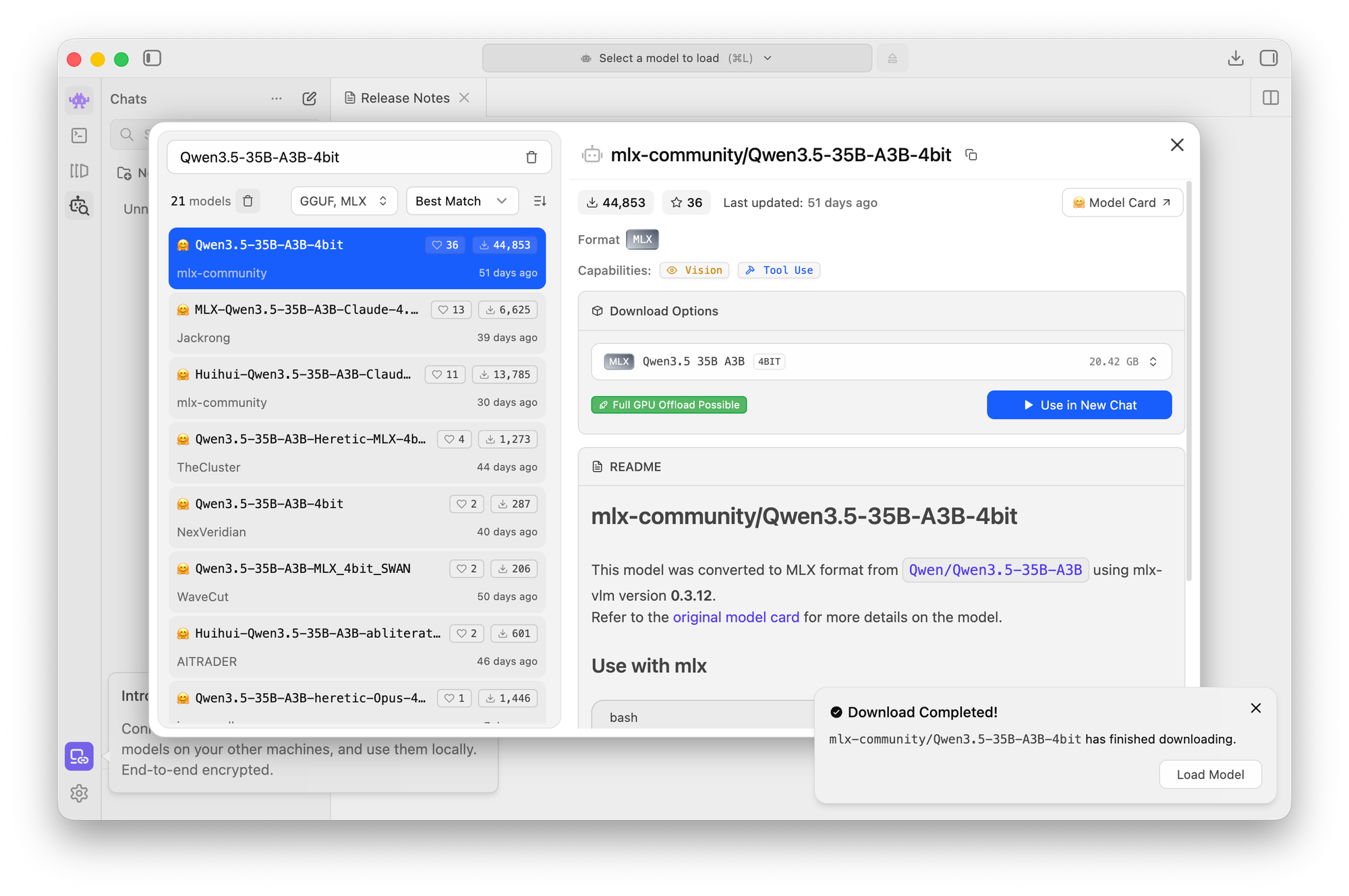
- Search for: Qwen3.5-35B-A3B
- Select the 4-bit MLX version (important for Apple Silicon efficiency)
This is your model. Not quite bleeding edge, but still extremely capable (and FREE).
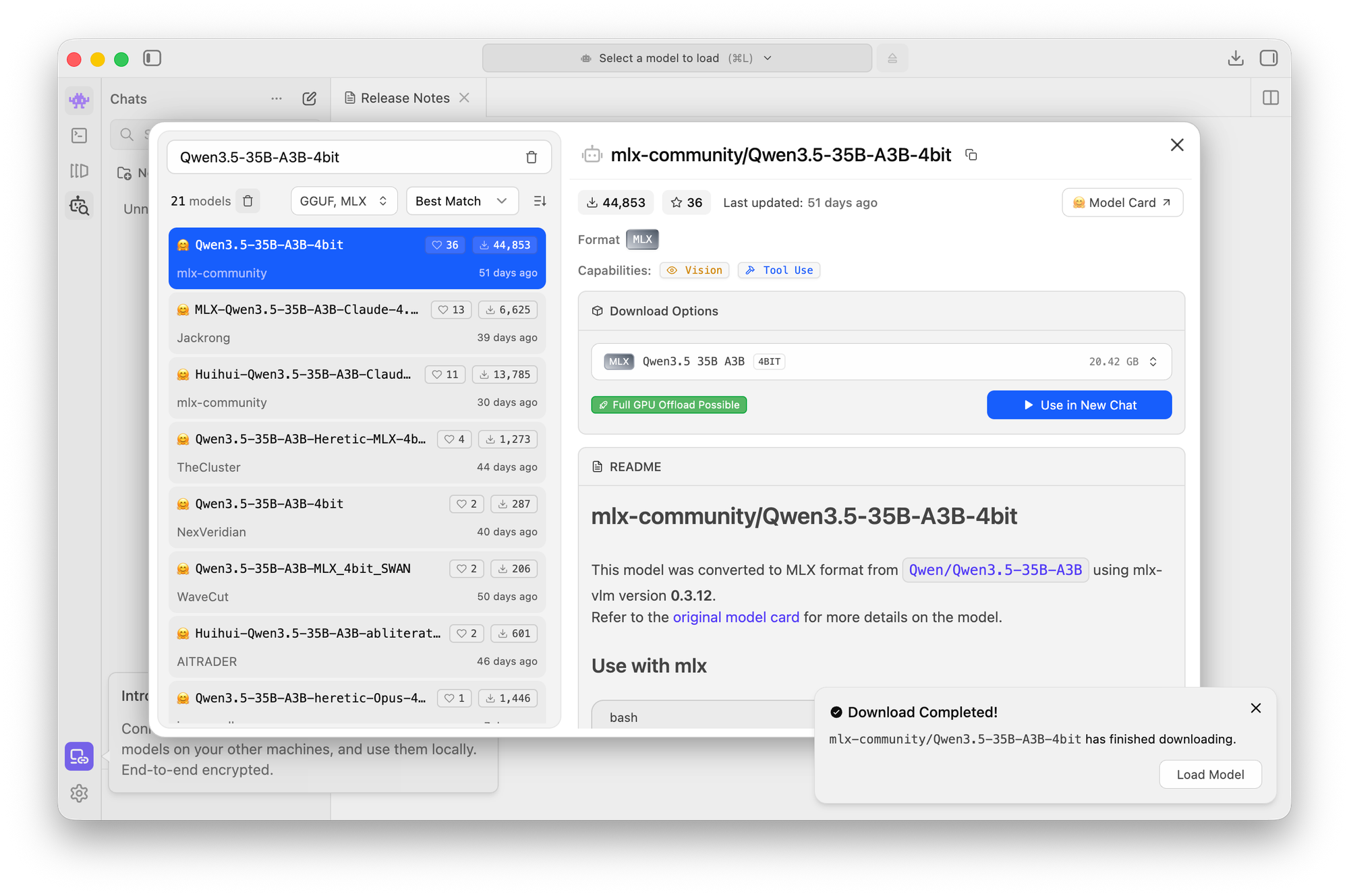
3. Download (~20GB)
- Click download
- Wait a few minutes
This is the longest step.
4. Load the model
- Click the model in the sidebar
- Hit Load
That’s it. You now have a local AI running on your Mac Mini.
No fanfare. No ceremony. Just… intelligence, humming quietly.
5. Connect it to OpenClaw
Tell your OpenClaw something like:
“I’ve set up a local model in LM Studio. Use it as a tool for execution tasks.”
OpenClaw can route work to it just like any other capability.
Pro Tip: The Hybrid Model Setup
Set your system up like this:
- Brain: Anthropic or ChatGPT
- Muscle: Your local Qwen model
What happens next is where things get interesting:
- The cloud model plans everything
- The local model executes most of it
Execution is ~90% of token usage
So you just nuked your costs without losing intelligence.
And once you start wiring it into OpenClaw workflows… it stops feeling like a tool and starts feeling like a system.
Not bad for a 20GB download.